
Changelog
New features and improvements in Proferex, newest first.
Tidier Analytics results
The Results table stays as it was until you click Run again, so a new filter never mixes old numbers with new headings. Empty runs say so, and connection types read Wi-Fi, Carrier and Datacenter.
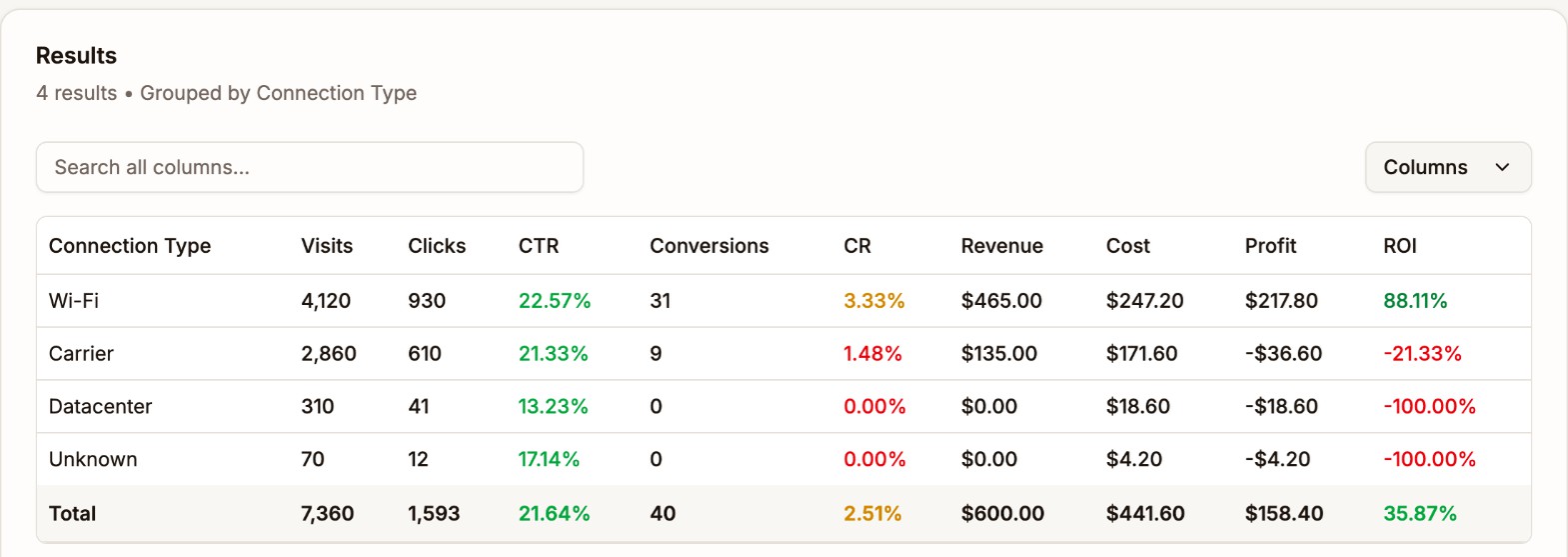
Connection types in plain words The Proferex Manual is out
A full guide to Proferex, from your first campaign to reading reports and scaling what works. Every chapter has screenshots, and you can search it from any page.
Dayparting with a weekly grid
Pick the exact hours a rule runs on each day of the week, like Friday night into Saturday morning. Your current schedules carry over unchanged.
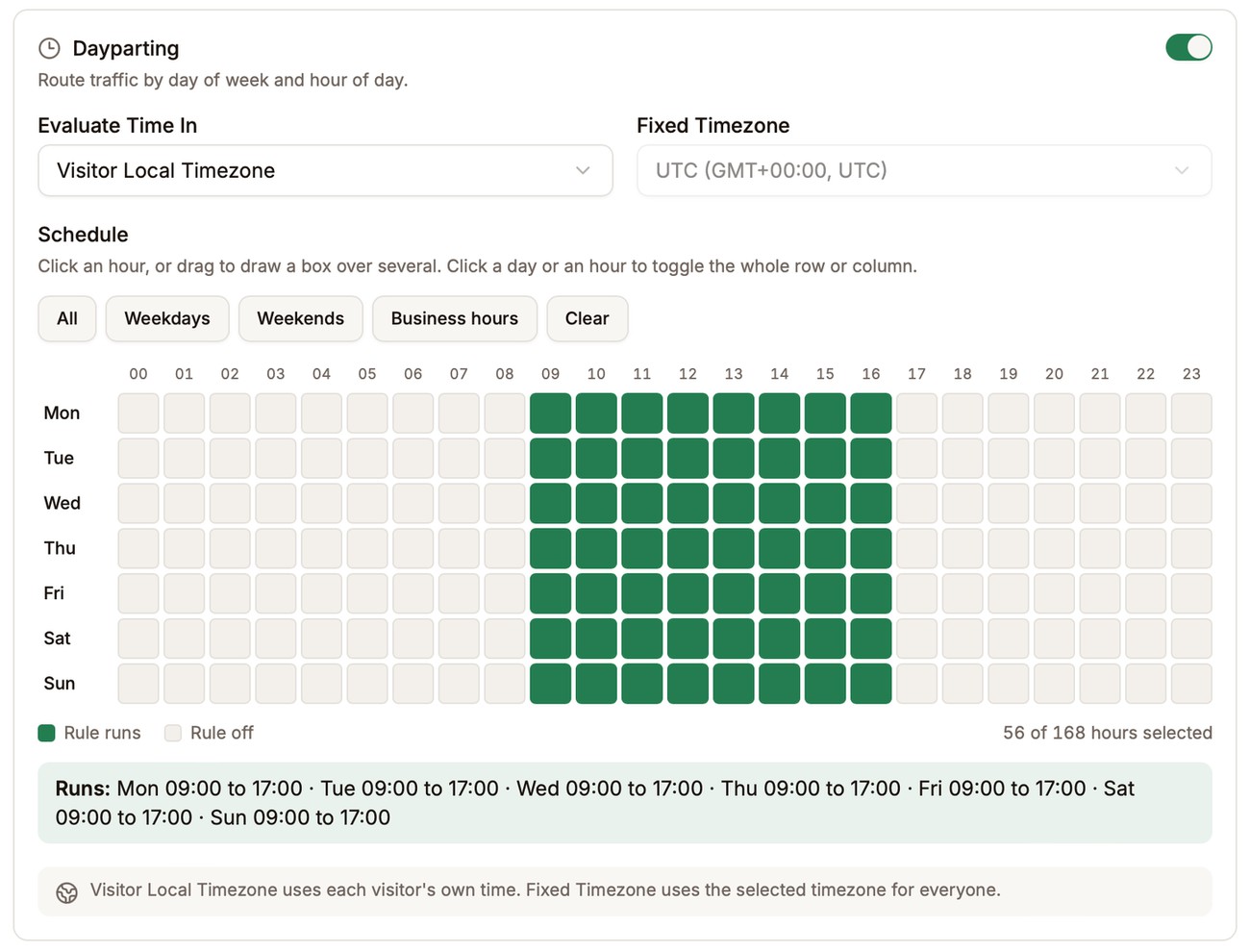
One row per day, one column per hour No more guessing country codes
Rule conditions and Analytics filters let you pick countries, devices, browsers and more from a searchable list, instead of remembering that the UK is GB.
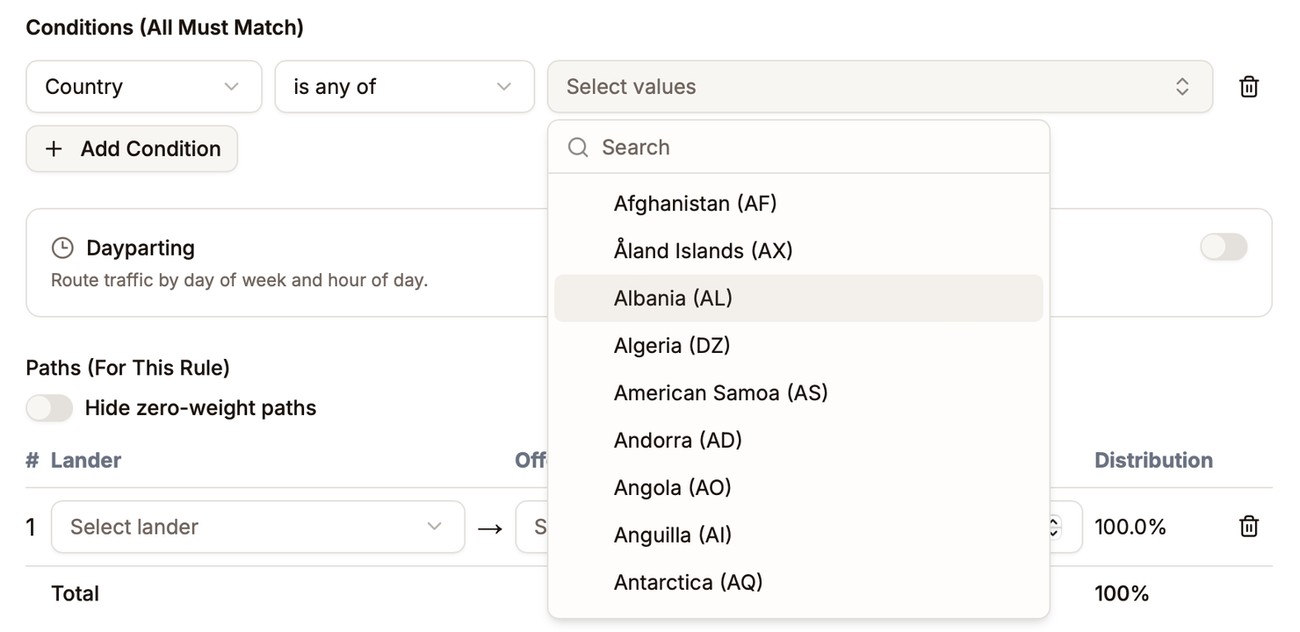
Search and pick, no codes to remember All your custom tokens in one report
Custom Tokens Performance shows every token on a campaign side by side, so you can see which mix of values converts.
Full click details in the log
Click View on any click or conversion to see everything recorded for it, including every value your traffic source sent. Handy when a postback looks off.
Split one token value across several
Send one incoming token value to a few different values by weight. Useful for testing two IDs on the same traffic.
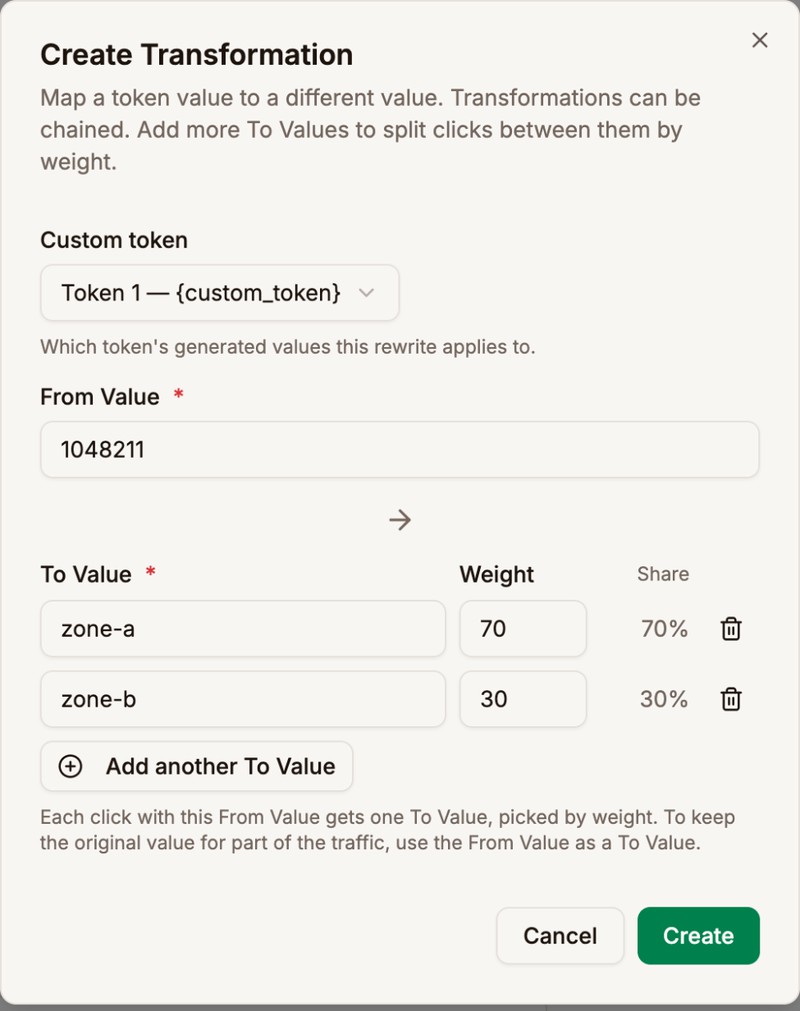
One value in, several out by weight Exact numbers on the Dashboard
Revenue, cost and profit show the real amount down to the cent, not $1.6K.
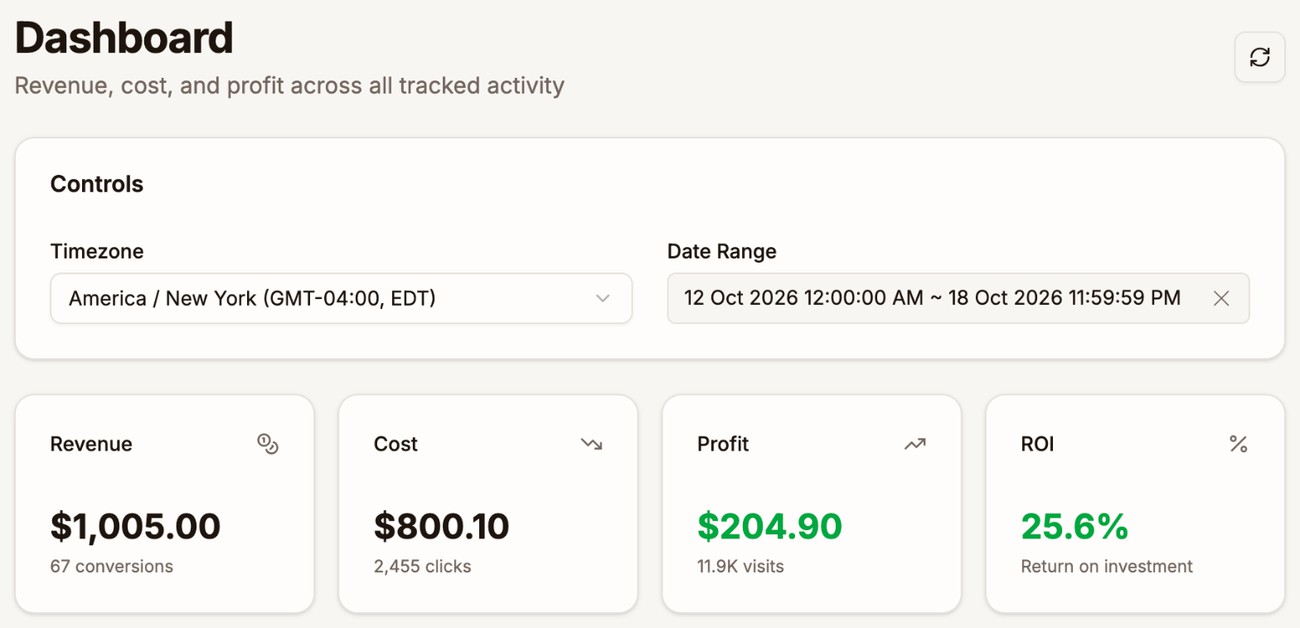
Down to the cent Hide switched-off paths
A new toggle in the path editor hides paths set to 0, so big combinations are easier to rebalance.
The agent knows the manual
Ask the Tracker Agent how to do something in Proferex and it answers from the manual, with a link to the right chapter.
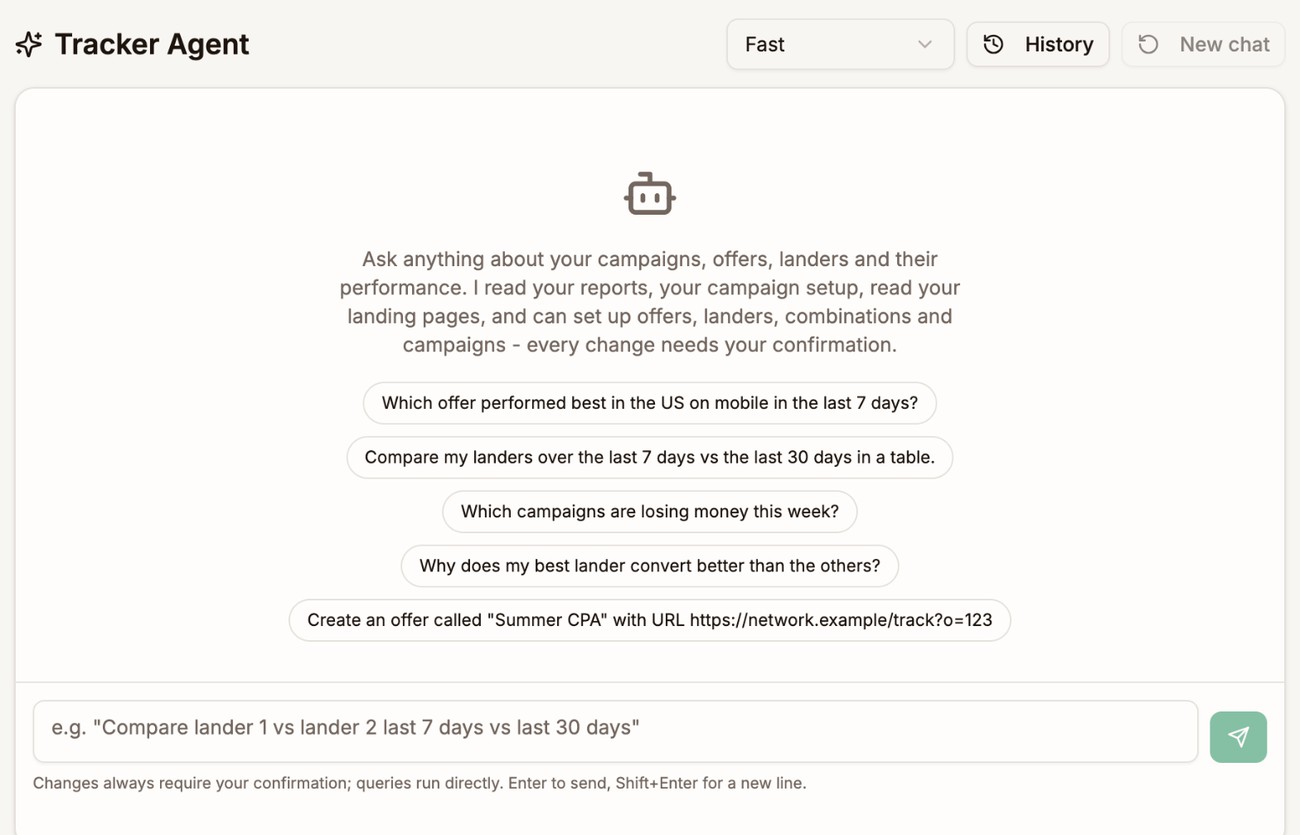
Ask it anything, including how to use Proferex